Treasure Hunt
On your wishlist.
At their table.
The card you’ve been looking for could be across the room. Find wishlist matches, ask vendors for a card, and head to the right table with Treasure Hunt.
Discover Treasure Hunt in the Treasure mobile app.
A good find.
A shorter search.
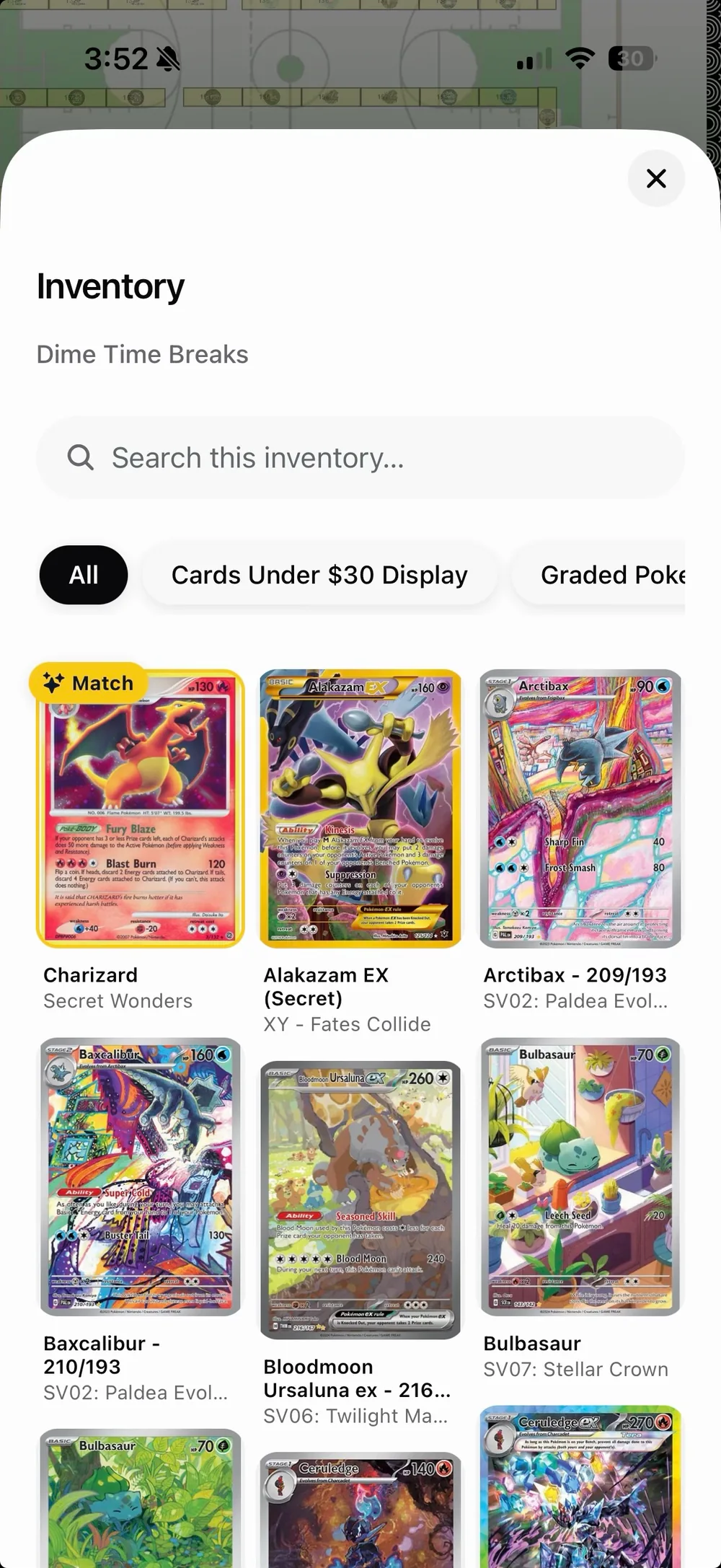
Build your wishlist before the show. Browse what vendors are bringing, or send a request when the hunting window opens, starting 10 days before the event.
- 01
Pick your next find.
Add cards to your wishlist and choose your grading preference. Matching cards stand out as you browse vendor inventory.
- 02
Let vendors know.
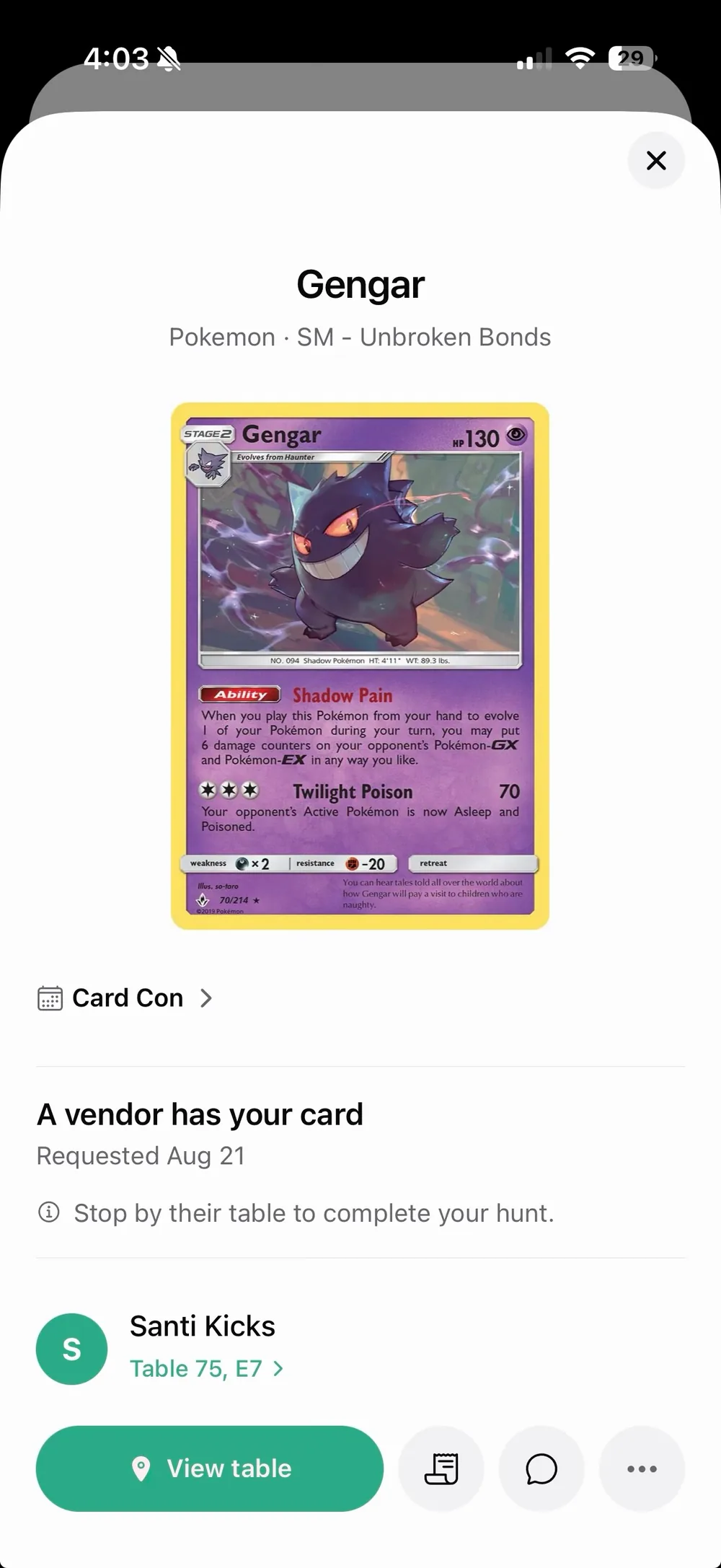
Request a card at your event. Vendors can reply “I have it,” and you’ll be notified when someone has what you’re after.
- 03
Meet at the table.
See who has your card, message the vendor, and find their table. Take a closer look and complete the deal in person.
For the other side of the table
You have it.
Help them find it.
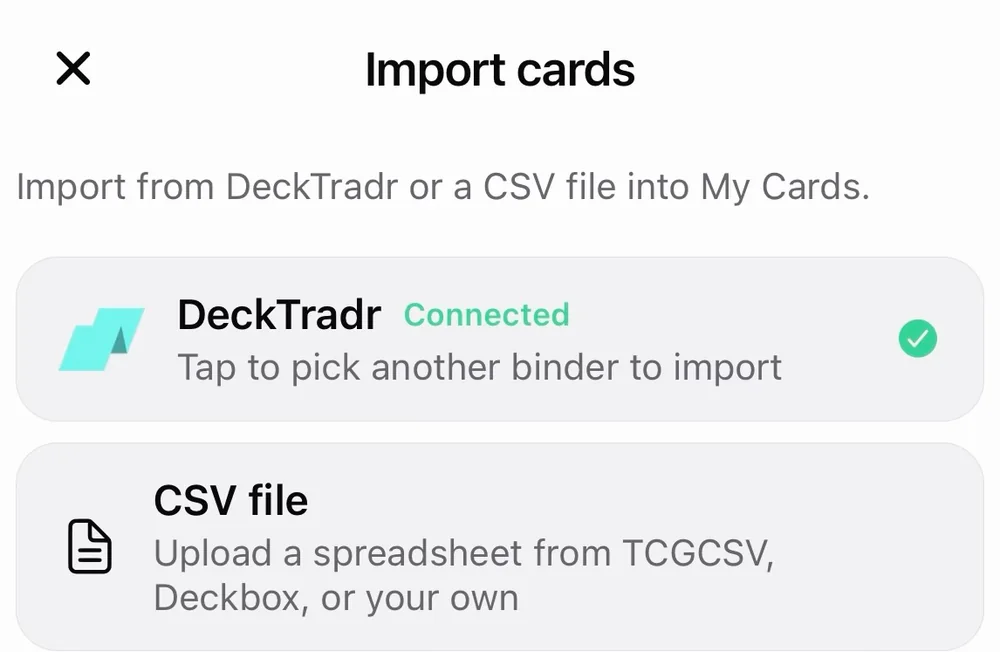
Put your for-sale collection in front of attendees. Import cards from DeckTradr or a CSV, organize them into binders, and let buyers explore your booth’s inventory.
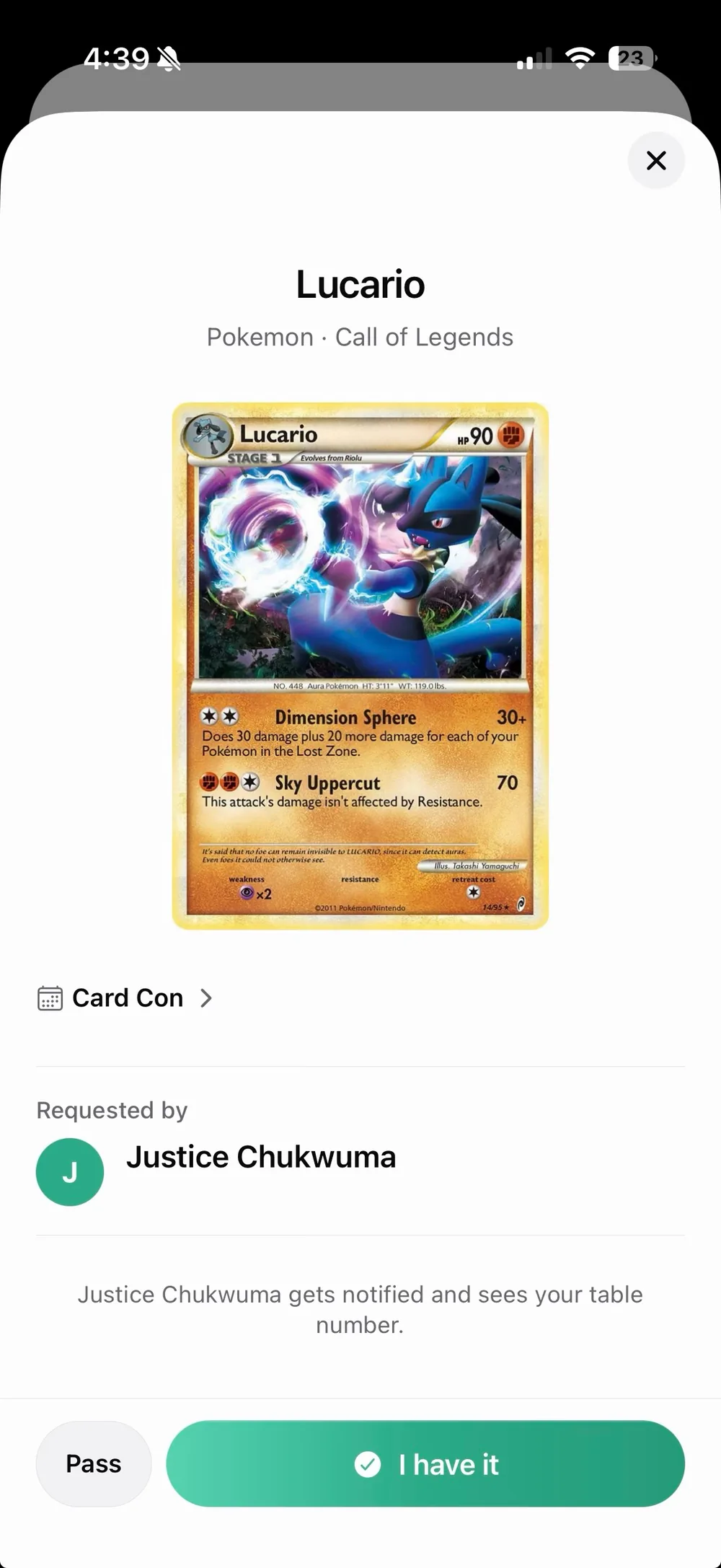
See what collectors are asking for and respond with “I have it.” They get a notification and your table number, giving your next conversation a place to start.
Bring more than singles? Add custom listings for sealed product, merch, and other items, too.
After the find
Keep the card.
Keep the details.
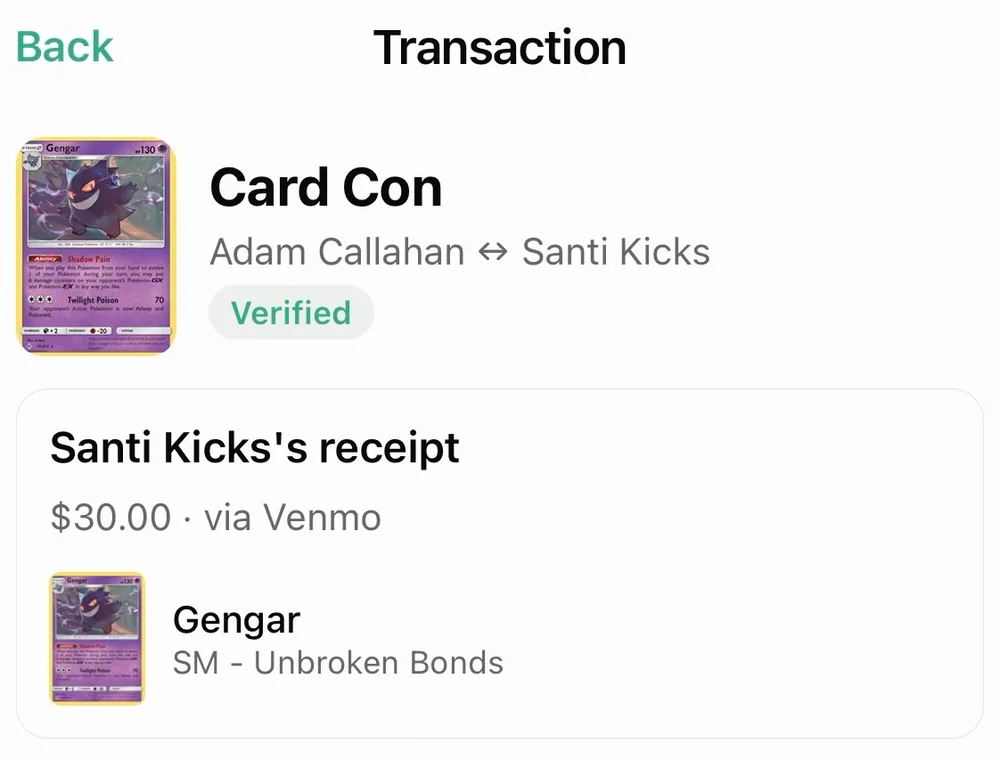
Record what you bought or sold, the price, and the payment method. Review receipts from the other side and confirm the details, so your show-day deals stay with you after the doors close.
Your next find is out there.
Bring your wishlist. Meet the vendors. Make it part of your collection.